
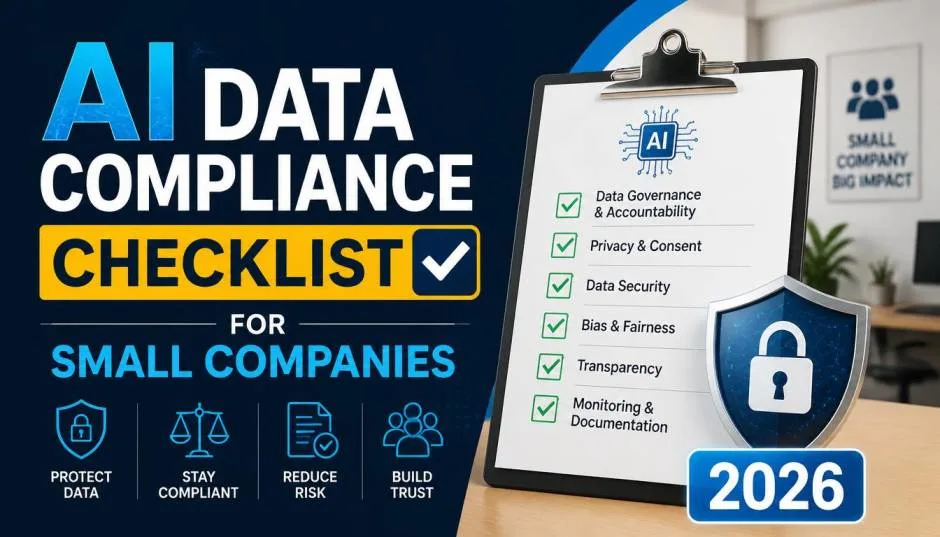
AI is not just for enterprise anymore. Small businesses are adopting AI tools at a rapid pace, 42% of SMEs are now using AI in some form . But with adoption comes responsibility. AI systems process data differently than traditional software. They learn from it. They can expose it. And regulations are catching up.
This checklist helps you navigate AI compliance without a legal team or a massive budget. It is based on practical frameworks from the International Chamber of Commerce, MIT Technology Review, and major financial institutions.
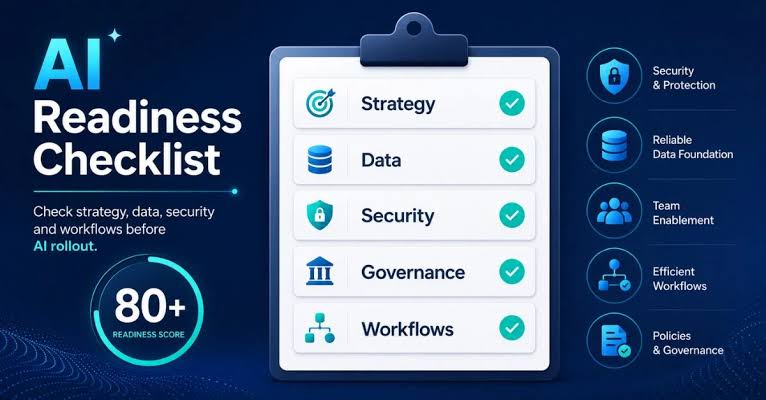
The EU AI Act is already in effect. It bans certain AI uses and places strict requirements on others . Existing regulations like GDPR and HIPAA already restrict how you use personal data, including in AI systems . Ignorance is not a defence.
Read Also: Hostile Takeover Attempts 2026: UniCredit vs Commerzbank
According to McKinsey's 2026 AI Trust Maturity Survey, awareness is outpacing action. Across every risk category, mitigation lags behind awareness. For example, 54% of respondents identify personal privacy as a relevant AI security risk, but only 44% are actively working to mitigate it .
The International Chamber of Commerce released an AI Self-Assessment Guide specifically for SMEs in June 2026 . It is a question-based framework that helps businesses using or developing AI to ask the right questions, identify key risks, and take proportionate steps toward responsible AI adoption .
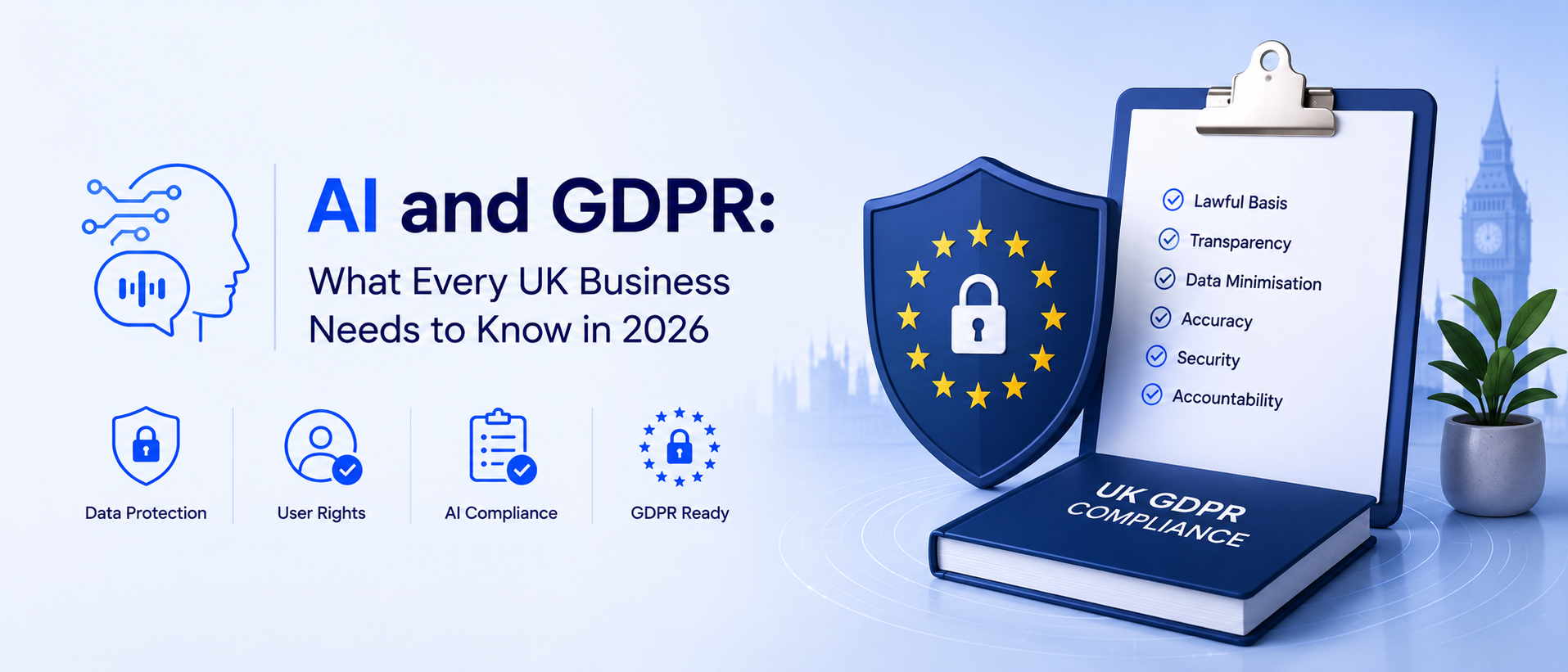
The Guide covers the four areas where SMEs are most exposed: contract coverage, data protection, confidential business information, and internal governance and processes . It is written in plain language to bridge the gap between abstract policy and practical application.
Before you use any AI tool, ask: what data am I feeding it?
The rule: Only share what is necessary for the task . Strip out identifying details like names, addresses, and customer IDs where possible .
Checklist:
Identify all AI tools used by your team
Map what data each tool accesses
Flag any customer, employee, or confidential data being shared
Get explicit permission before using customer or employee data with AI tools—do not assume consent
Free AI tools may use your conversation to improve their model . That means your business data could appear in responses for other users.
You Must Also Like: Top Us Retailers Using Agentic Commerce for Personalized Shopping 2026
The rule: Treat AI tools like public spaces. Do not paste sensitive information unless you are certain it is private.
Checklist:
Read privacy settings for every AI tool
Check if your data is used for model training
Verify that you can delete your data when needed
Ensure vendors encrypt your data and comply with regulations like GDPR
The infamous 2023 Samsung-ChatGPT leak occurred when employees accidentally shared confidential trade secrets by pasting them into ChatGPT . Clear guidelines prevent this.
The rule: Your AI policy should cover which tools are approved, what they can be used for, and what data can and cannot be shared with them .
Checklist:
Create a simple AI acceptable use policy
Define approved tools and prohibited data types
Assign someone to maintain and update these guidelines
Use a template like Drata's General AI Usage Policy as a starting point
AI should assist, not replace, human judgment. For anything customer-facing, financially sensitive, or high-stakes, build in a review step .
The rule: AI handles interpretation and prep work. Humans make the final call on anything that matters.
Checklist:
Identify decisions that require human approval
Never rely solely on AI for customer communications
Verify AI outputs before sharing externally
Audit AI-generated content regularly
AI models hallucinate. They make mistakes. They get numbers wrong.
The rule: Check numbers, names, and claims before you act or share .
Checklist:
Verify all AI-generated numbers and facts
Review AI outputs for errors before using them
Never copy-paste AI responses without review
Question everything that seems too easy
Most companies do not need a sprawling standalone AI policy. The better starting point is tightening existing policies on confidentiality, security, privacy, acceptable use, and IP .
The rule: AI governance is broader than any single policy document. It touches privacy, data governance, security, accountability, vendor controls, monitoring, training, and consumer protection .
Checklist:
Review your existing confidentiality and IP policies
Extend them to cover AI use
Update your acceptable use policy
Create role-based procedures for higher-risk AI uses
If you are using a third-party AI tool, you are sharing risk with that vendor.
The rule: Choose tools that align with your regulatory requirements and provide documentation for audits .
Checklist:
Ask vendors about their data handling practices
Verify compliance with relevant regulations
Confirm you can delete your data
Request usage logs and model update reports where possible
The best AI adoption strategy is incremental. Pick one repetitive task and automate it first.
The rule: Start with low-risk tasks and build confidence . Then expand.
Checklist:
Identify one repetitive task (e.g., summarising emails, drafting customer responses, categorising expenses)
Test AI on that task
Measure the time saved
Scale to similar tasks
Track results and adjust
If you are already using Microsoft 365, Copilot Business is a logical starting point. It integrates directly into Word, Excel, PowerPoint, Outlook, and Teams, adding intelligence to tools you already use .
Starting July 1, 2026, Microsoft introduced new bundles that make AI more accessible for small businesses :
Microsoft 365 Business Standard with Copilot: $23.50/user/month (1–300 seats, annual billing)
Microsoft 365 Business Premium with Copilot: $32/user/month (1–300 seats, annual billing)
Promotional pricing: Microsoft 365 Business Basic with Copilot at $21/user/month (valid until December 31, 2026)
Standalone Copilot Business: $18/user/month promotional pricing through December 31, 2026
The key advantage for small businesses is that Copilot inherits existing Microsoft 365 security controls. It respects access rights, and prompts and responses are not used to train foundation models . This reduces compliance risk out of the box.
However, licensing alone does not guarantee value. Productivity gains depend on how well Copilot aligns with real workflows, data access, and governance policies . If your Microsoft 365 environment is disorganised—messy permissions, unstructured documents, poor data hygiene—Copilot will deliver uneven results.
AI is not just a cost. It is an opportunity. According to a Google-India SME Forum report released in July 2026, AI could unlock over $490 billion in economic value for Indian MSMEs and improve business profitability by 30-35% .
Nearly 60% of surveyed MSMEs reported double-digit revenue growth after adopting digital technologies. The report also found that 66% of MSMEs expanded market access and 58% improved customer acquisition through digital tools . Agentic AI and automation could reduce operating costs by 20-30% and improve productivity by 15-20% .
AI compliance for small companies is not about building a massive governance framework. It is about asking the right questions, making smart choices about data, and building on existing policies.
Start small. Use tools you already have. Treat AI outputs as drafts. Keep humans in the loop. And document your approach.
The regulations are coming. But if you are thoughtful about how you use AI today, you will be ahead of the curve when they arrive.
How can AI help small businesses?
AI helps small businesses by automating repetitive tasks, improving marketing and sales optimisation, and supporting decision-making . Common uses include summarising emails, drafting customer communications, categorising expenses, and generating social media posts . According to a Google-India SME Forum report, AI could unlock over $490 billion in economic value for Indian MSMEs .
How to use AI for business without risking compliance?
Start with low-risk tasks and keep humans in the loop . Never share sensitive customer or business data with public AI tools . Read privacy settings carefully. Document your AI usage. Use enterprise-grade tools like Microsoft 365 Copilot that respect access rights and do not use your data for training .
What is Microsoft AI for small business?
Microsoft 365 Copilot Business is an AI assistant integrated into Word, Excel, PowerPoint, Outlook, and Teams . It is designed for businesses with up to 300 users. Pricing starts at $18-$21/user/month promotional, or $23.50/user/month standard . It inherits existing Microsoft 365 security controls and does not use customer data to train foundation models .
Do I need an AI policy for my small business?
Yes, but it does not need to be complex. Start by tightening your existing confidentiality, security, privacy, and acceptable use policies to cover AI . Add a short AI usage policy if employees need immediate guardrails . As your AI use grows, expand accordingly .